
Log the dive before your gear is rinsed.
A free dive log for your phone. Log a dive in under a minute, send your buddies a copy already filled in, and watch each trip draw itself on a map with your photos as the markers.


- dive sites
- 21,500+
- dive centers
- 5,000+
- marine species
- 4,400+
- features, free
- 43
Your dive life, all in one place.
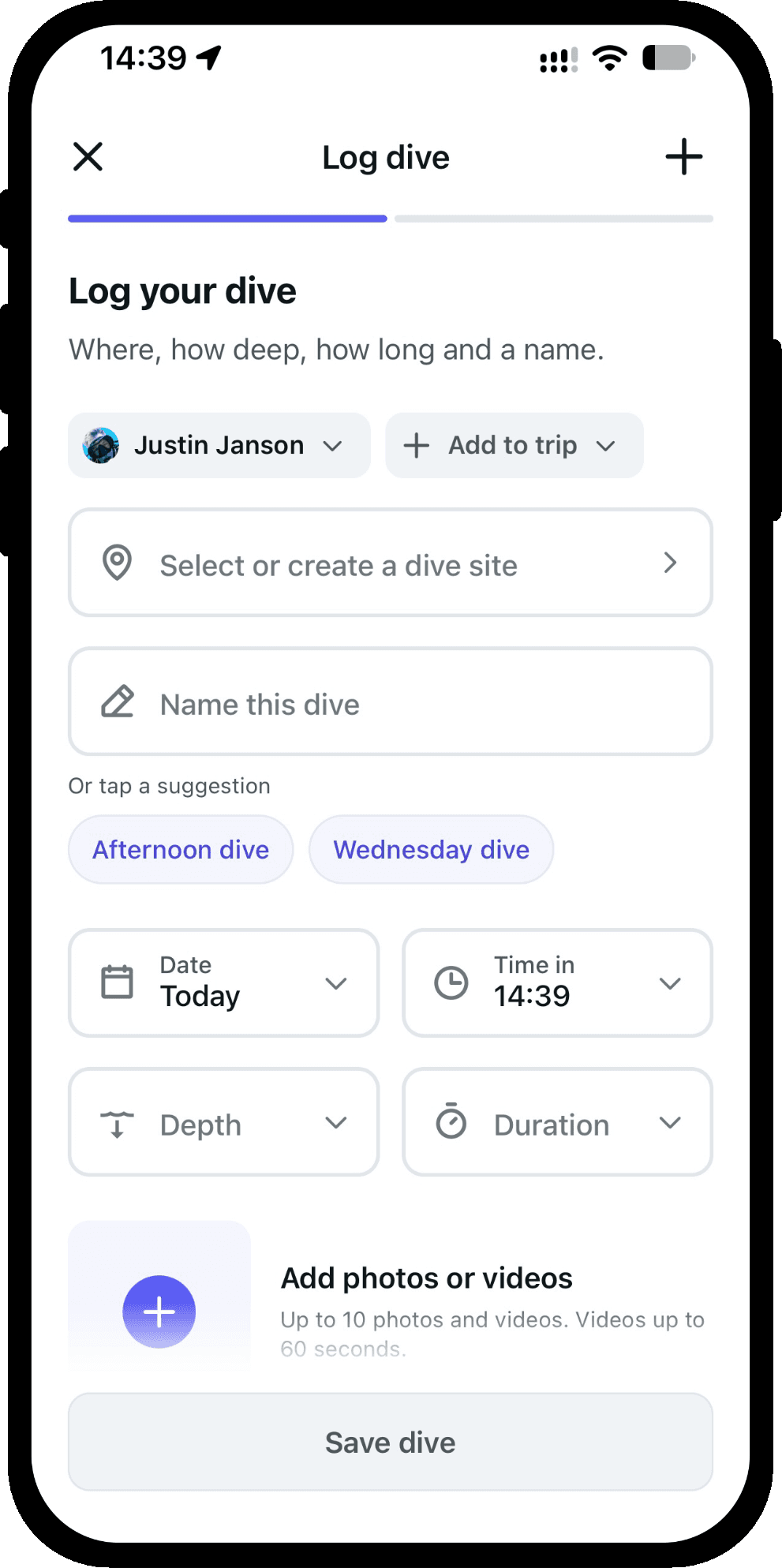
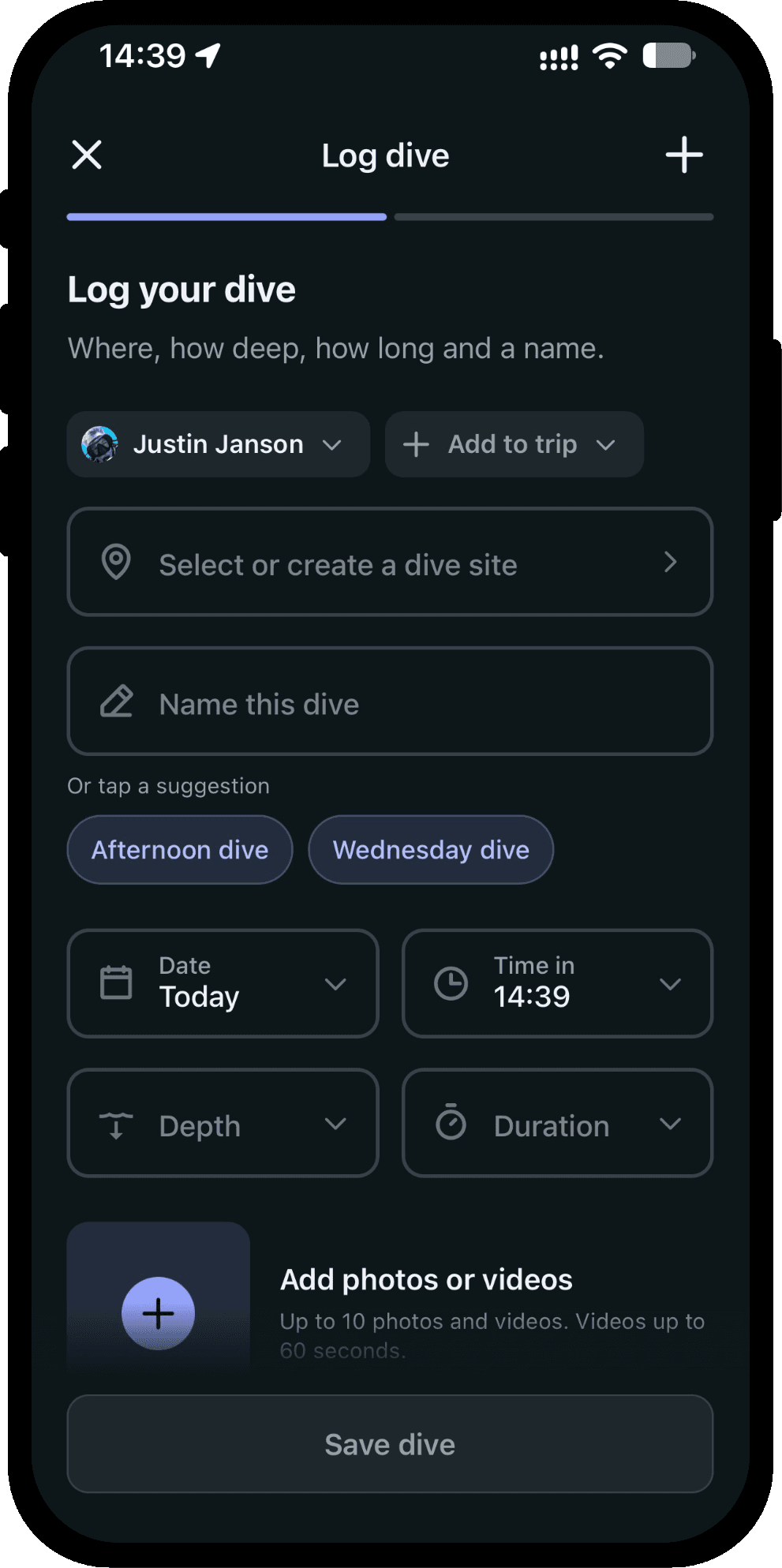
Log a dive in under a minute
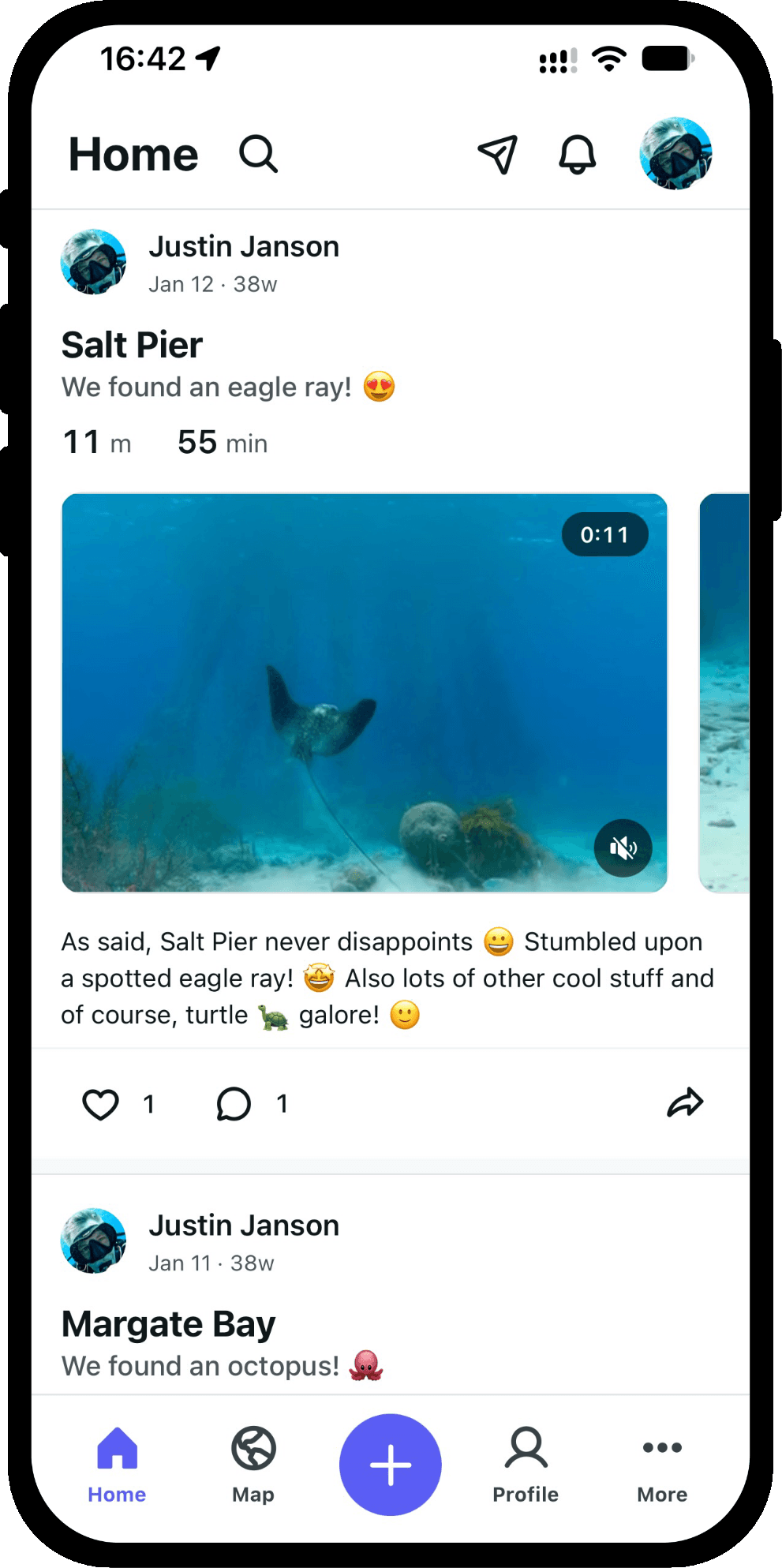
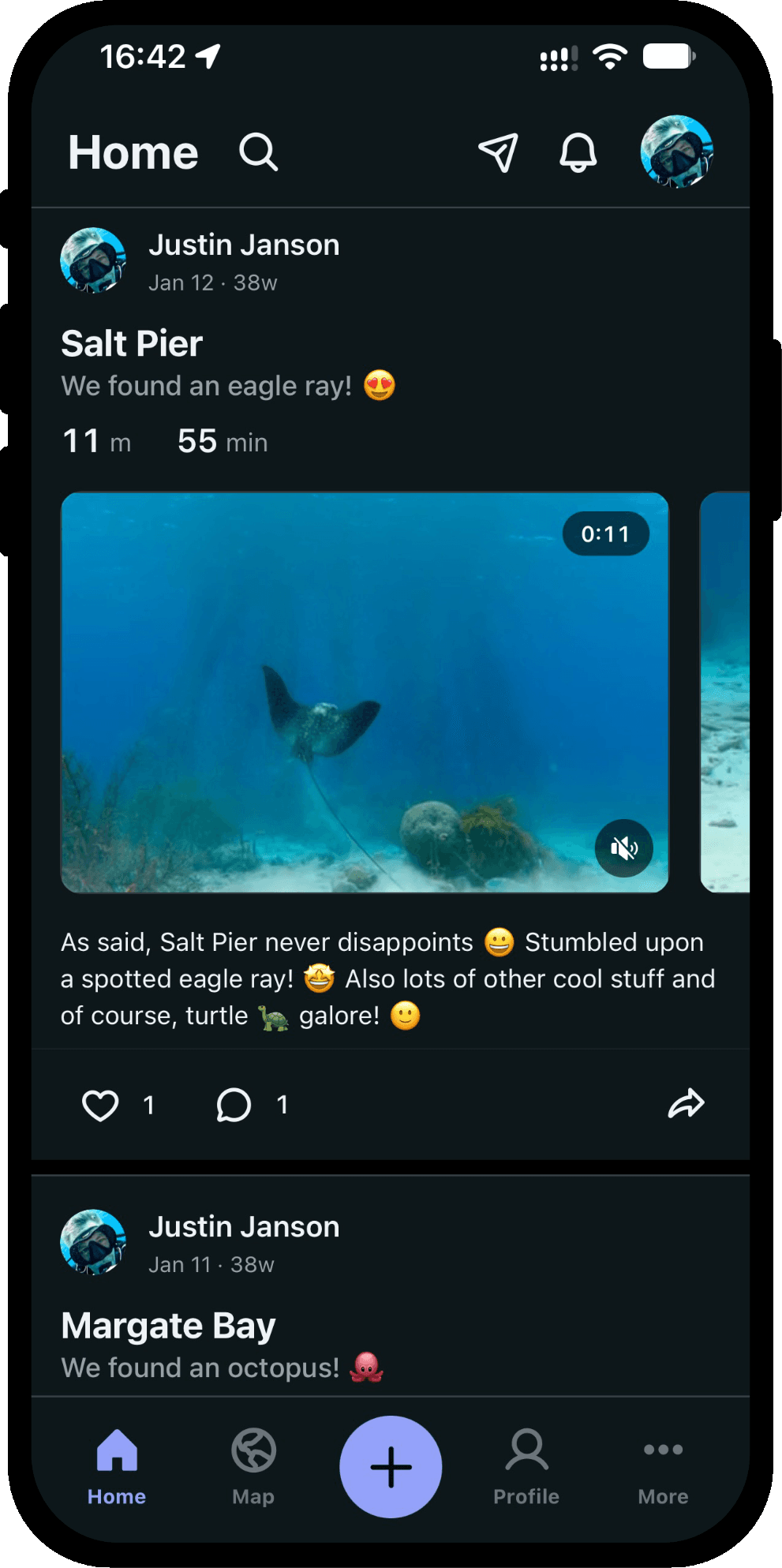
Pick the site, name the dive or tap a suggestion, and fill in depth, duration and time in. Add up to ten photos or videos and save. The entry is done before your gear is rinsed.
Record the marine life you spotted
Search a catalogue of 4,400+ species by common or scientific name and tick off everything you saw. From ochre stars to green turtles, each sighting stays with the dive it belongs to.
See where you went
The trip map draws the route between the places you dived, with your photos as the markers. A day-by-day timeline shows each day of the trip, rest days included, and the recap counts the dives, the time underwater and the deepest point.
Build your diving history
Every dive you log adds to it: your certification, your dive count, the photos you brought back, and a globe marking everywhere you have been under water. One place that shows how far you have come.
Import existing dive logs
Bring your dive history with you from UDDF, Subsurface, Garmin, Suunto, Divelogs.de or CSV. Import several files in one go; a dive that appears in two of them becomes one, and a file you already imported is skipped.
Export your full logbook
Export all your dives, or the ones you pick, as UDDF, Subsurface, Divelogs.de, Suunto Dive Manager, Suunto SML or CSV. The file is made on your phone, and before you save it the app tells you what the format cannot hold.
Chat with your dive buddies
Send direct messages to divers you follow or who follow you, with photos, reactions, replies and read receipts. Plan your next trip, share that secret reef, or relive that manta encounter.
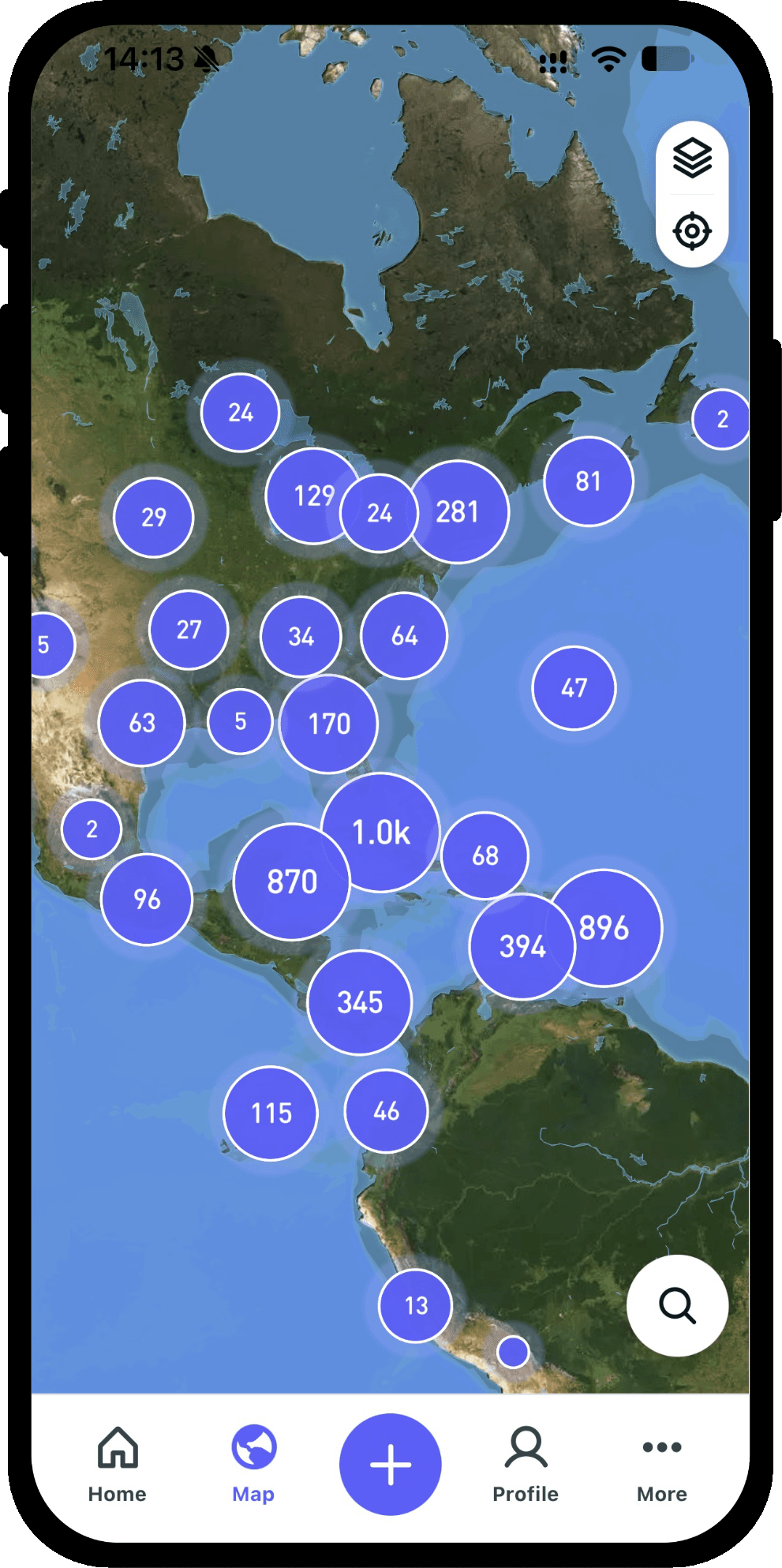
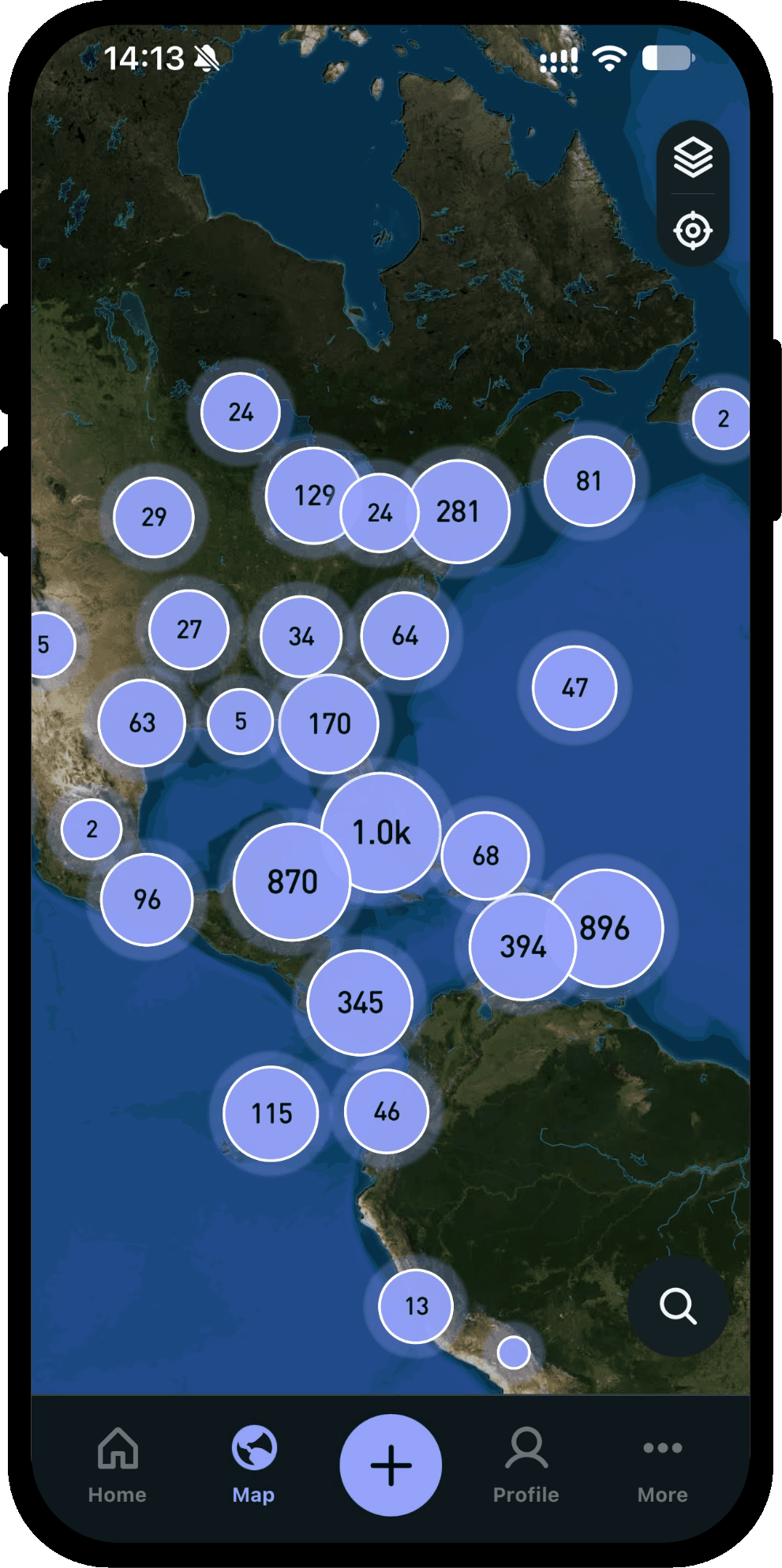
Discover 21,500+ dive sites
Explore every site on a satellite map, or search by name, region or country. The catalogue is on your phone, so the map and search work without a signal.
Frequently asked questions
Everything the app does is on the features page. If you have anything else you want to ask, reach out to us.
- What is Scubaspot?
- Scubaspot is a dive log app with a social feed. Log your dives, share photos and videos, and connect with other divers around the world.
- Is Scubaspot free to use?
- Yes. Scubaspot is free to use, and there are no limits on the number of dives you can log. Log unlimited dives, keep your history, and share whenever you like.
- How can I log my dives?
- You can manually add new dives or import existing dive logs from popular file formats.
- What can I store in a dive log?
- You can record key details like location, depth, duration, notes, conditions, and more — so every dive is easy to remember and revisit later.
- Can I keep my dives private?
- Yes. You control what you share. You can keep dives for your personal log or post them to your feed when you want others to see them.
- Can I post photos and videos?
- Yes. Add engaging media to your posts so your dive stories feel real — from epic reef shots to memorable moments with your buddy.
- How does the social feed work?
- Share dives as posts, follow other divers, and interact through likes and comments. It’s built to help you discover people and places you’ll want to dive with.
- Can I track my dive certifications?
- Yes. Keep your certifications in one place so you can easily reference your training and share your progress with the community.
- Can I track my dive gear?
- Yes. Track the gear you use so you can remember what worked best and build a clear picture of your setup over time.
- Can I export my dive logs?
- Yes. Export all your dives, or the ones you pick, as UDDF, Subsurface, Divelogs.de, Suunto Dive Manager, Suunto SML or CSV. The file is made on your phone, and before you save it the app tells you what the format cannot hold.
- How do I delete my account?
- You can delete your account from the “More > Your Account” screen. We value your privacy — your account and data are deleted instantly, with no grace period.