Your dive computer, straight into your log
Your dive computer already wrote the dive down. Connect it over Bluetooth and its dives come into your Scubaspot log, depth graph and all, ready for the site, your buddies and your photos.

Scan to get the app
Point your phone's camera here. Free on the App Store and Google Play.


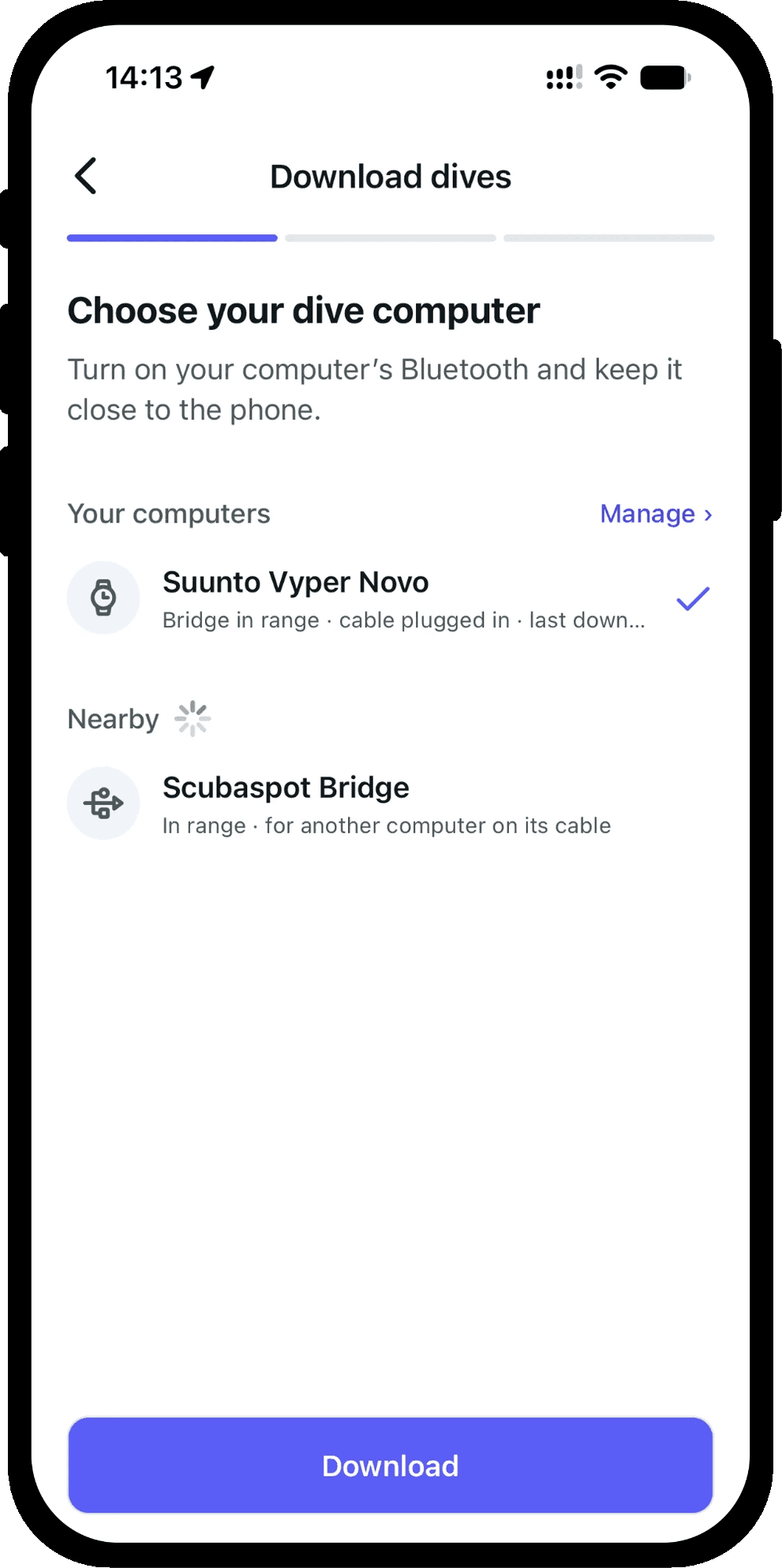
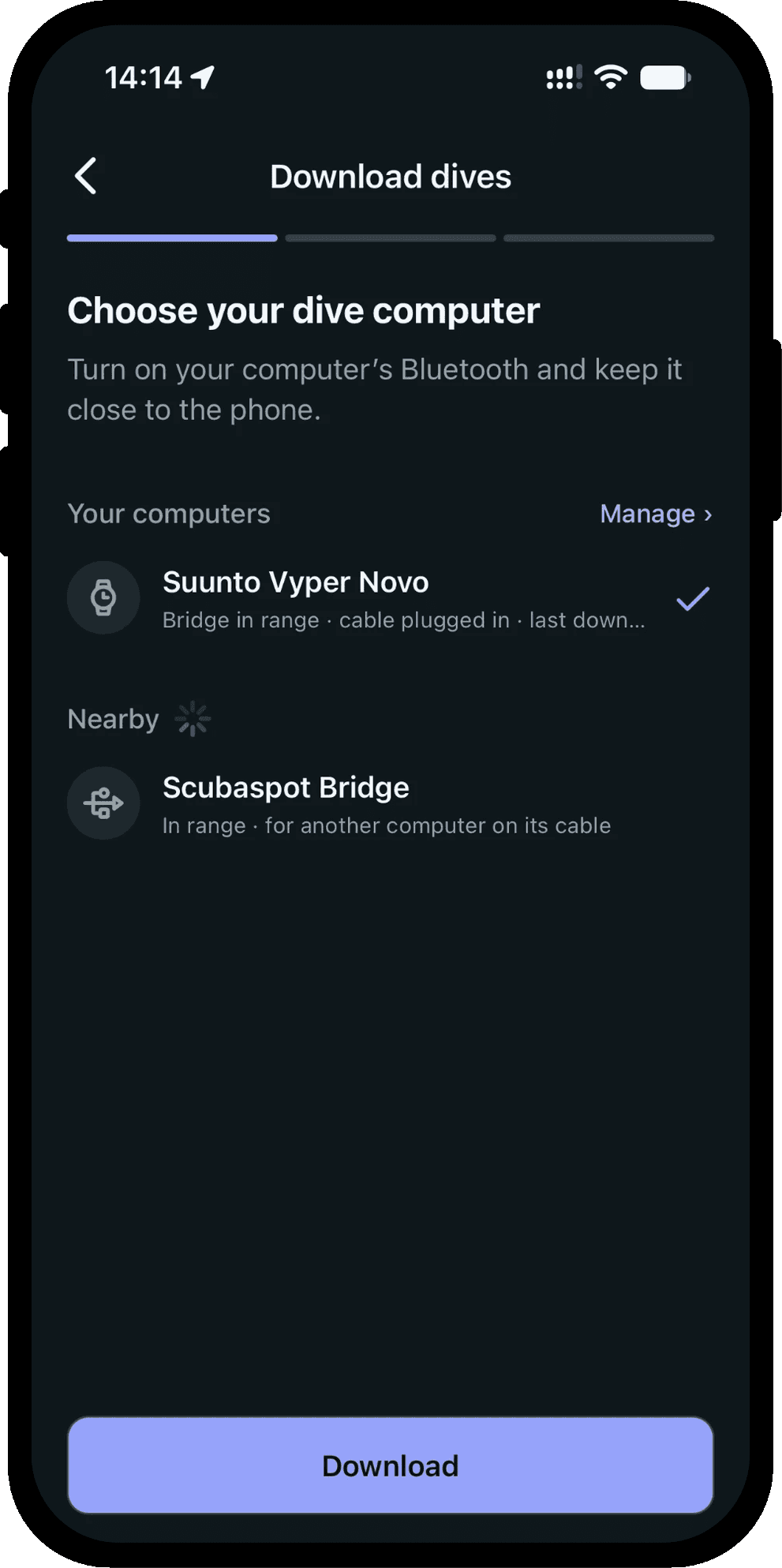
100+ computers over Bluetooth
Scubaspot downloads from more than 100 dive computer models with Bluetooth, on iPhone and Android, by makers including Shearwater, Suunto, Mares, Scubapro, Aqualung, Cressi, Oceanic, Ratio, Heinrichs Weikamp and Divesoft.
Turn on your computer's Bluetooth and keep it close to the phone, and the app finds it. If your computer asks for a PIN or an access code, the app asks you for it.
A computer without Bluetooth? Export your dives from the app that came with it and import that file instead.
Start from wherever you are
Download from a dive computer under More, Dive log; from the + button, where your own computer has a row that starts its download as soon as it is ready; or from the dive form, which offers it before you type in a dive by hand.
It remembers your computers
A computer you have downloaded from stays under Your computers, with whether it is in range and when you last downloaded it. When it is the only one ready, it is picked for you.
The next download brings only the dives since the last one. Want them all again? After a download with nothing new, Download every dive again does just that.
Manage lists your computers. Forget one you no longer have, and the dives it gave you stay in your log.
Check every dive before it is saved
The dives come into the same review as an import from a file. Dives already in your log are marked and left out, and each dive names the computer it came from.
A dive computer does not know the names of dive sites, so the dives are grouped by day and you pick the site once for each day. A computer that records its position finds the site within 500 m by itself. Anything a Scubaspot dive does not keep from the recording is listed under the last dive, so you know before you import.
The whole dive, not just the numbers
Every dive gets a depth graph with the water temperature. A dive from your computer draws the real samples, and the photos you took sit along the graph at the moment you took them.
When a download stops
The app says what stopped it and what to try: wake the computer, turn its Bluetooth on again, or open Settings. If it still will not download, send a problem report from the same screen. It holds your computer's model and firmware and what it said, and it arrives in your chat with the Scubaspot team.
More of what Scubaspot does
- Dive tripsPlan a dive trip with your sites, buddies and dive center, see your dives and photos on a map and a day-by-day timeline, or join a trip run by a dive center.Read more
- Dive sitesFind dive sites on a satellite map that works without a signal, read other divers' dives and photos, check the weather, and keep a bucket list.Read more
- Dive centers and clubsGive your dive center or club a page divers can follow, run your day trips and multi-day trips with bookings, post to your followers and see your insights.Read more
- Dive buddiesKeep your regular dive buddies on every dive and send each of them a pre-filled copy of the dive for their own logbook, even before they join Scubaspot.Read more
Free on iPhone and Android
Download the dives from your dive computer, bring the ones you logged elsewhere, and log the next one before your gear is rinsed.
Scan to get the app
Point your phone's camera here.