Plan your dive trips, and remember them
A dive trip is more than a list of dives: it is the place you went, the days you spent there, the people you dived with and the photos you came back with. Scubaspot keeps all of it together, whether you plan the trip yourself or join one run by a dive center or club.


Plan it in three steps
Start a trip from the + button. Give it a name, dates and a destination, then line up the dive sites you want to dive, picked from the map or straight from your bucket list. Each stop can have a day and a note of its own.
Add the buddies you are travelling with, the dive center you are going with, notes, and a checklist for everything you must not leave at home.
While you are there
On a trip day, the + button opens on the trip: the stop planned for today and a Log this dive button with the trip, the date and the site already filled in. A bar shows how far into the trip you are, day by day.
A day without a dive is a gap you can fill either way: log a dive, or mark it as a day without diving, so the trip keeps track of rest days too.
Your trip on a map
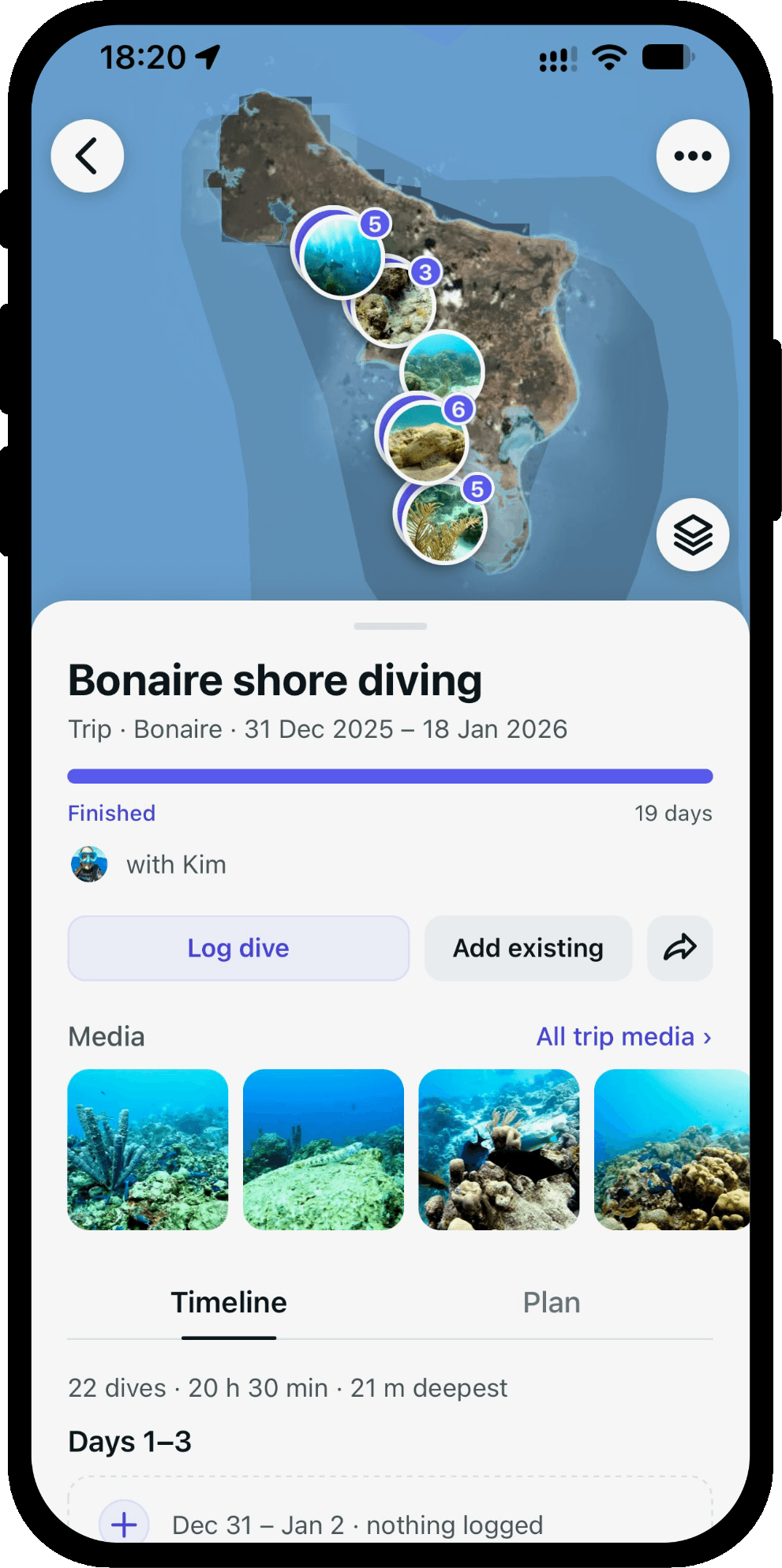
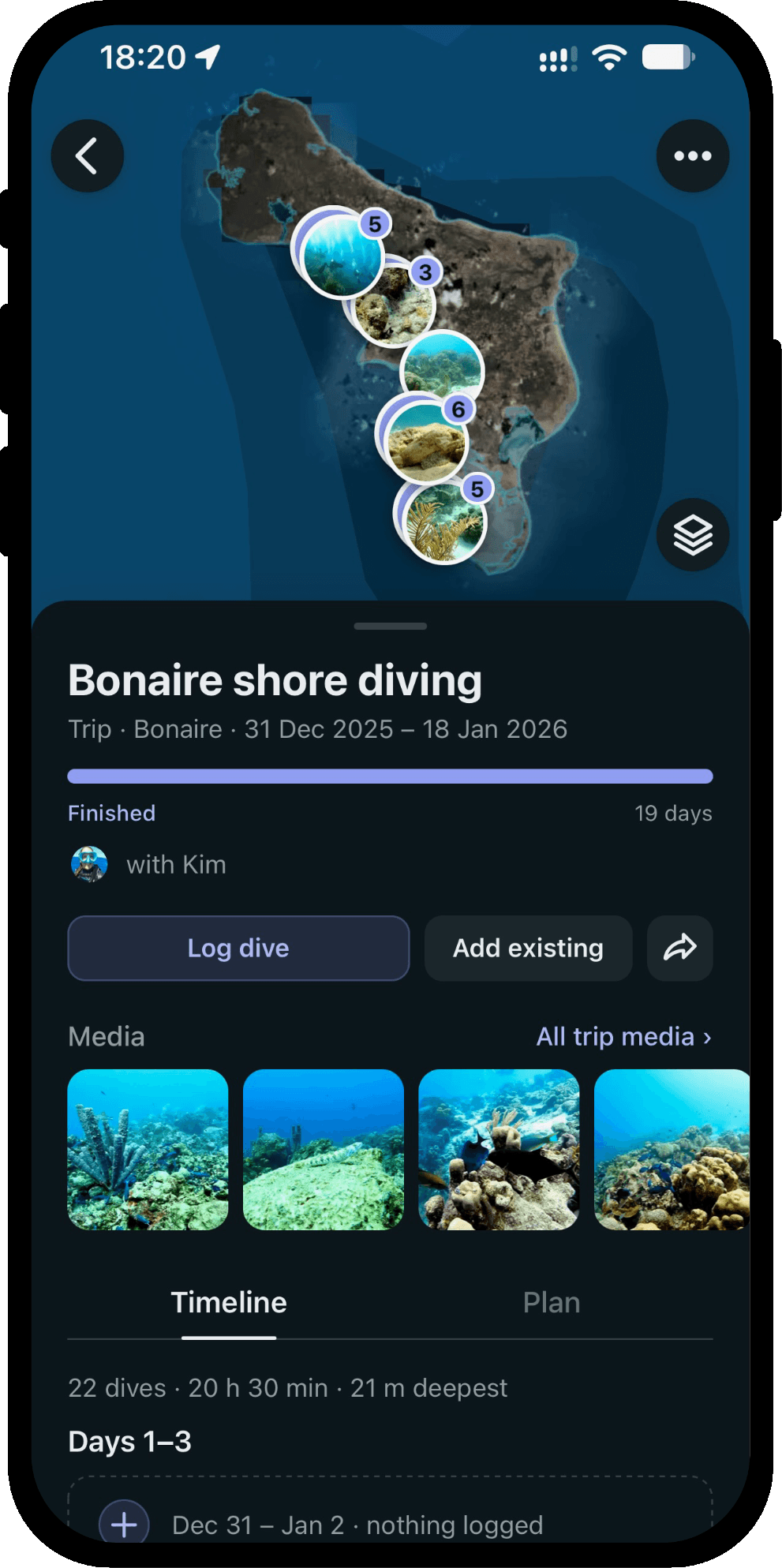
The trip map draws the route between the places you actually dived, with your own photos as the markers. Zoom out and nearby dives gather into a stack of photos; zoom in and they spread out again. Tap a place to open the dive or post behind it.
The timeline and the recap
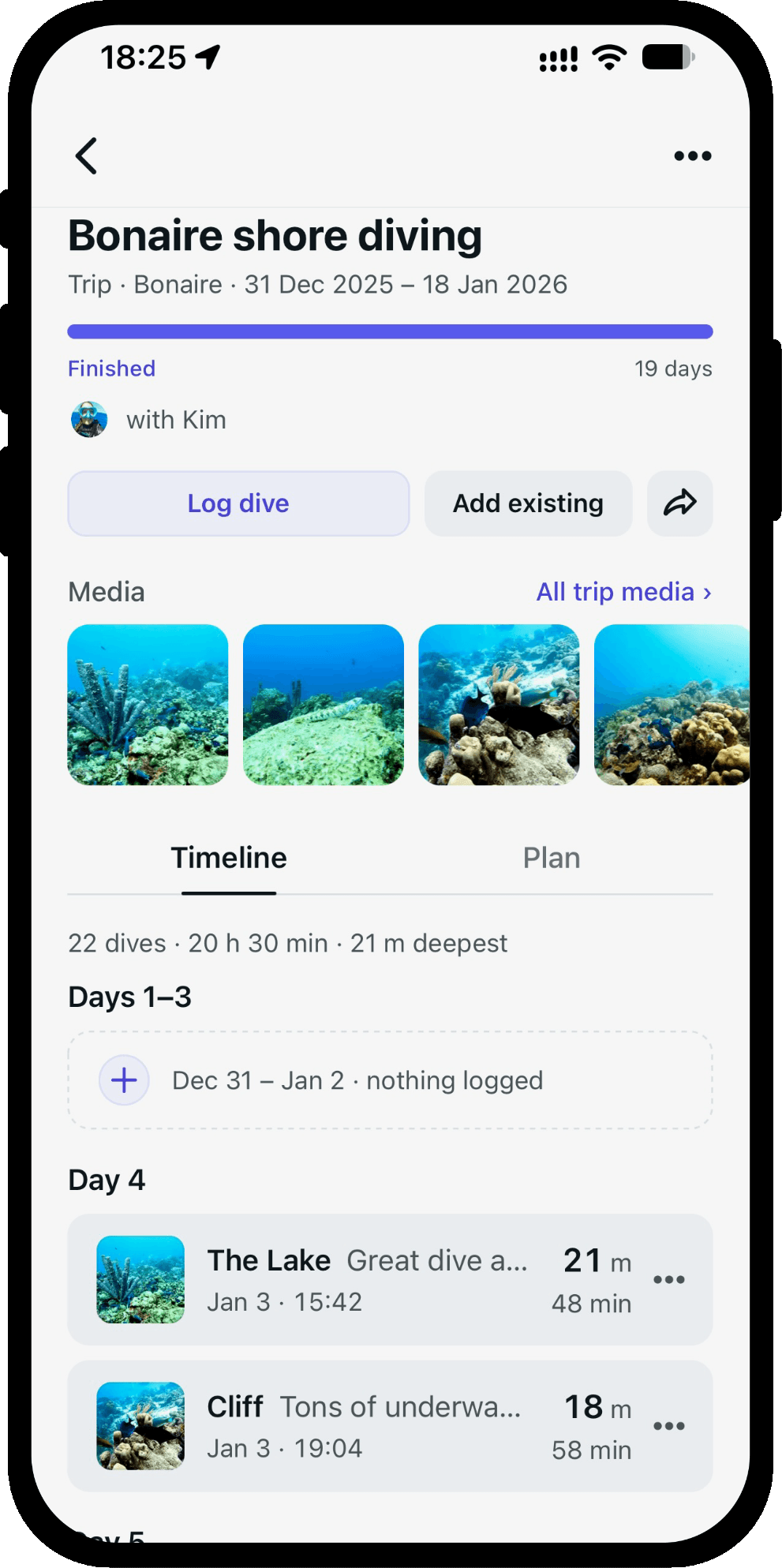
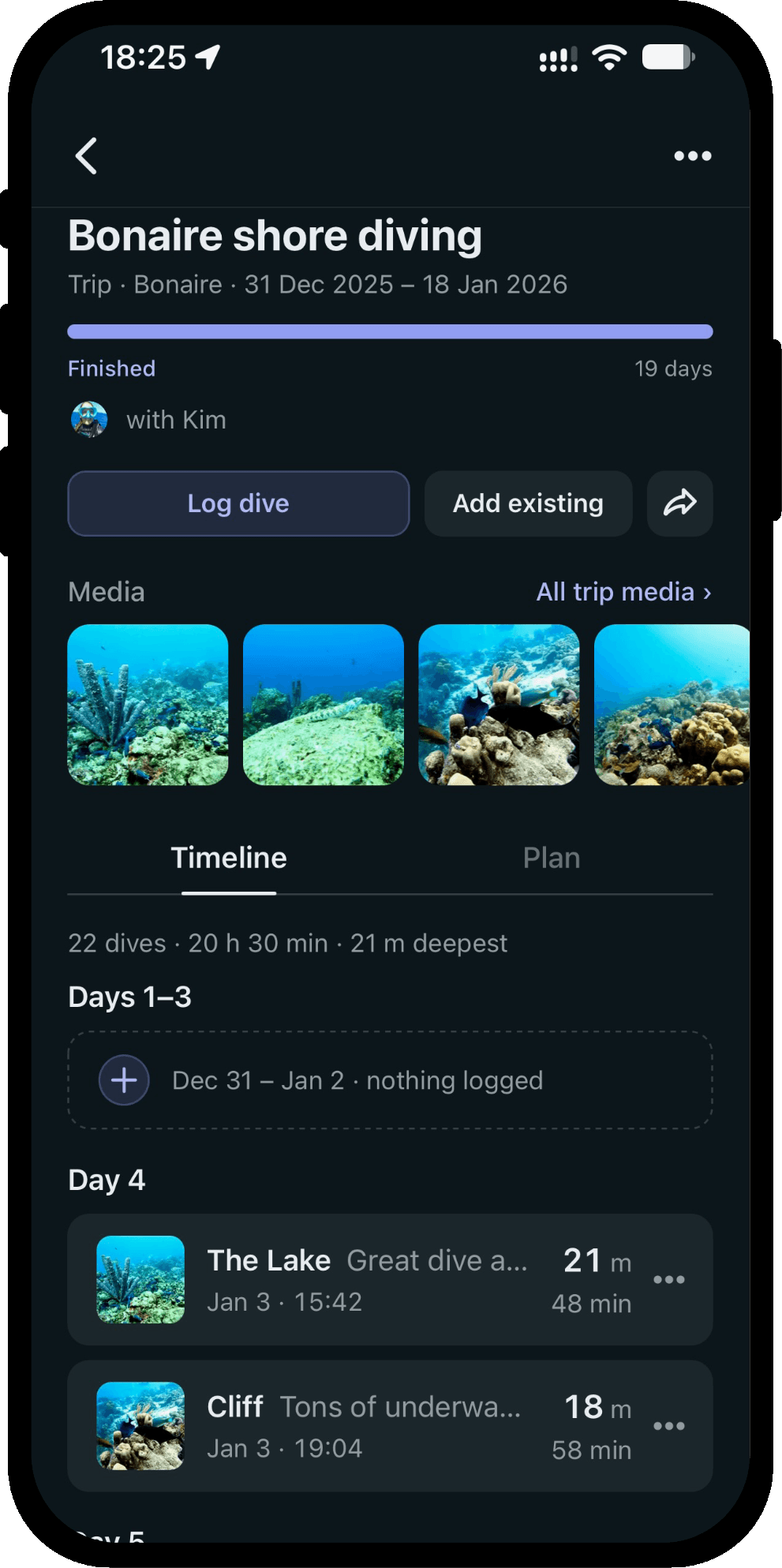
Under the map, the timeline runs day by day through the trip, with its totals on top: the number of dives, the time underwater and the deepest point. When you are home, the recap puts those numbers together, so the trip reads as one story rather than a column of entries in your log.
Your dives find their trip
A dive you log during the trip lands on it by its date, and a post you share while you are away does the same. You can always move a dive to another trip, or take it off.
Planned the trip after you got back? Add the dives and posts you already logged in one go.
Join a trip run by a dive center or club
Dive centers and clubs run their trips on Scubaspot, from a morning boat dive to a week away. The Trips tab in Search opens on two lists, Day trips near you and Trips to plan, and you can search for the place you are headed.
Every trip shows when and where to meet, when you will be back, the level it is for, the price and how many spots are left. Join with a tap; the trip shows on your profile as Going, and afterwards as Went. If the dive center cancels, everyone who joined is told.
Follow a dive center and you hear about its new trips. Run a dive center or club? This is how you get your trips in front of divers.
Good to know
Trips are public: other divers can see your trips, their route and the dives on them, the same way they see your profile. Your checklist stays yours. A dive marked private stays private on a trip too.
Every trip has a link you can share, and your trips have their own tab on your profile.
More of what Scubaspot does
- Import and exportImport your dive log from UDDF, Subsurface, Garmin, Suunto, Divelogs.de or CSV, and export it again to the same formats. No duplicates, nothing locked in.
- Dive sitesFind dive sites on a satellite map that works without a signal, read other divers' dives and photos, check the weather, and keep a bucket list.
- Dive centers and clubsGive your dive center or club a page divers can follow, run your day trips and multi-day trips with bookings, post to your followers and see your insights.
- Dive buddiesKeep your regular dive buddies on every dive and send each of them a pre-filled copy of the dive for their own logbook, even before they join Scubaspot.
Or see everything Scubaspot does on one page.