Bring your dive log with you, and take it anywhere
Years of dives in another app, or on a dive computer? Bring them along. And whenever you want to take them somewhere else, take them: your logbook leaves Scubaspot in the same formats it came in.


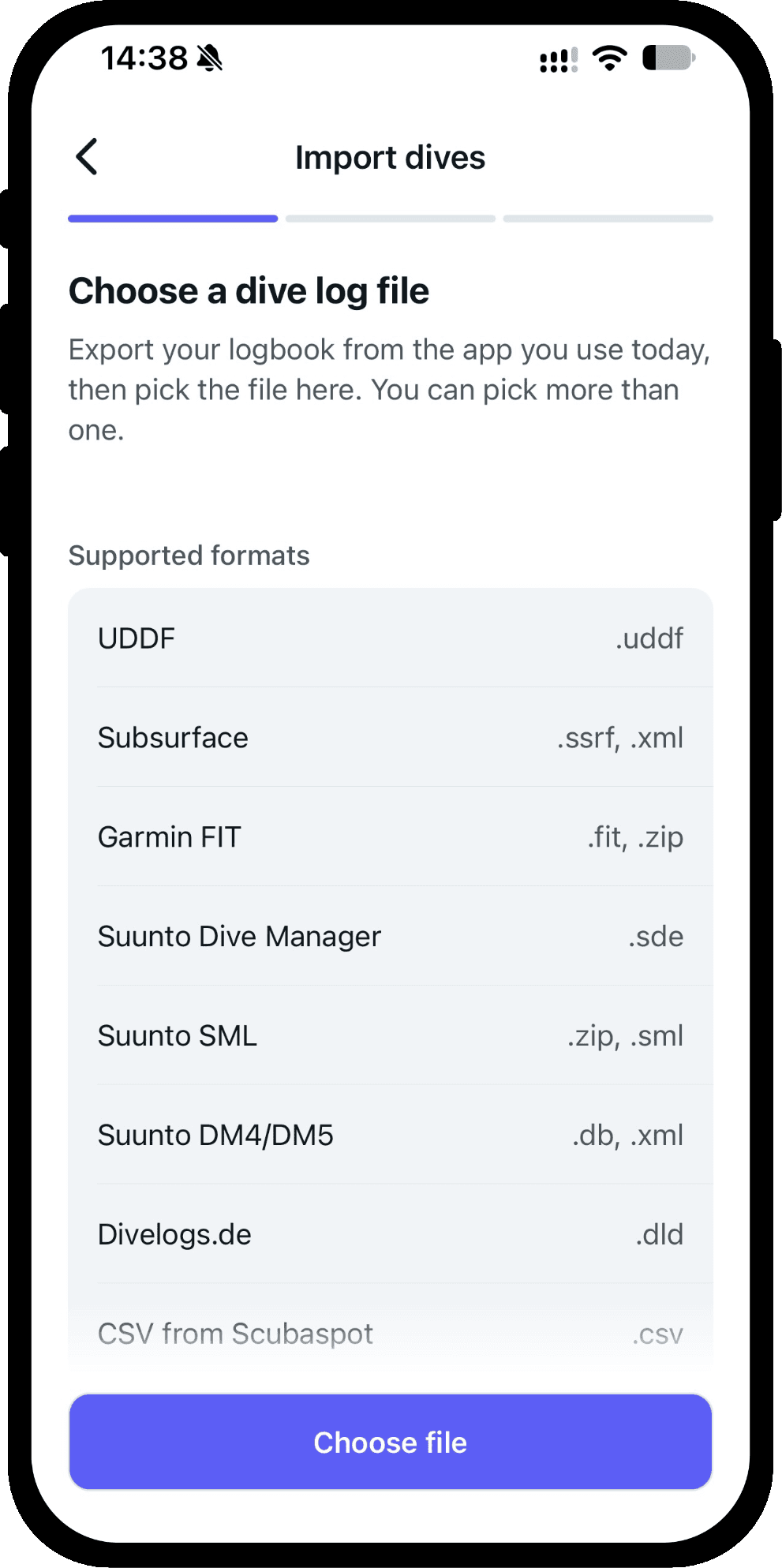
Eight formats in
Scubaspot reads your dives from:
- UDDF: the open standard most dive software can export
- Subsurface: the .ssrf file, or its .xml export
- Garmin: the .fit file of a Descent dive, or the ZIP Garmin Connect downloads, as it is
- Suunto Dive Manager: the .sde export of DM3, DM4 or DM5
- Suunto SML: the .sml file, or a ZIP of them
- Suunto DM4 and DM5: the logbook database itself, or the per-dive XML
- Divelogs.de: the .dld export
- CSV: a spreadsheet exported from Scubaspot or our Dive Log Converter
Several files, one logbook
Pick as many files as you like at once, in any mix of formats. A dive that appears in two of them, say in your Garmin export and your old Subsurface log, becomes one dive with the best of both. Import the same file again later and the dives already in your log are skipped.
A file that holds no dives is named, with the reason, so you know which one to look at.
Check before you import
Every dive is listed before anything is saved. Each one is filed under a Scubaspot dive site where the file's site matches one, and the buddies in the file are matched to your own. A dive that is missing a date, a site, a depth or a duration says so, and you complete it in the dive form before it goes in.
Import everything as private if you would rather decide later what others see, and switch the whole import to feet and Fahrenheit if that is how you dive.
Six formats out
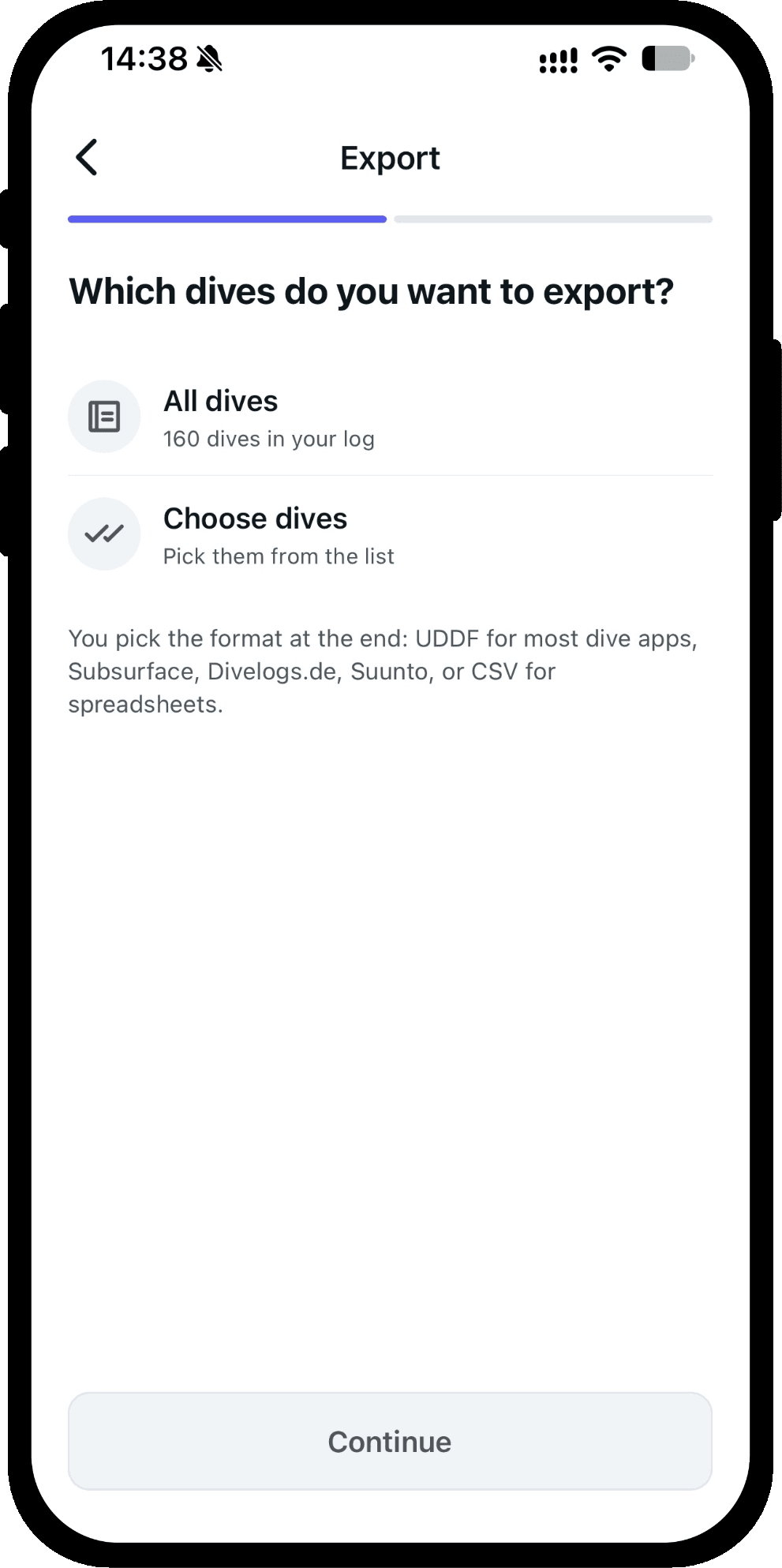
Export all your dives, or just the ones you pick, as UDDF, Subsurface, Divelogs.de, Suunto Dive Manager, Suunto SML or CSV. The file is made on your phone and nothing is uploaded; save it to Files or share it straight to another app.
Not every format can hold everything a Scubaspot dive does. Before you save, the app tells you what the format you picked will leave out. A spreadsheet uses the decimal style your phone uses, so it opens cleanly in your own spreadsheet app.
The same engine as our converter
The app reads and writes these files with the same code that runs our free Dive Log Converter, so a file that converts on the website imports in the app. Need to move between two other apps without an account? The converter works in your browser, and your file never leaves it.
Good to know
Scubaspot does not connect to a dive computer directly. Dive computer data comes in through the files above, so export from the app that came with your computer first.
The Divelogs.de, Suunto Dive Manager and Suunto SML exports have not yet been tried against those programs themselves. The app says so when you pick one.
More of what Scubaspot does
- Dive tripsPlan a dive trip with your sites, buddies and dive center, see your dives and photos on a map and a day-by-day timeline, or join a trip run by a dive center.
- Dive sitesFind dive sites on a satellite map that works without a signal, read other divers' dives and photos, check the weather, and keep a bucket list.
- Dive centers and clubsGive your dive center or club a page divers can follow, run your day trips and multi-day trips with bookings, post to your followers and see your insights.
- Dive buddiesKeep your regular dive buddies on every dive and send each of them a pre-filled copy of the dive for their own logbook, even before they join Scubaspot.
Or see everything Scubaspot does on one page.